JMESPath queries
Analyze JSON data using the JMESPath queries (https://json.vason.io/open-jmespath)
The query system enables you to analyze JSON data using the JMESPath language. See JMESPath tutorial. See JMESPath specification.
JMESPath
Similar to SQL functions in the realm of databases, JMESPath functions as a query language specifically tailored for JSON data.
It provides functionalities for selecting with basic expressions, slicing (including reverse order), various projections, and functions.
Examples JMESPath queries
planets[2].name /* Basic Expression */

planets[1:3].name /* Slicing */

planets[::-1].name /* Slicing reverse order [start:stop:step]*/

planets[?position=='3'].name /* Filter Projections*/

planets[*].extra | [2:5].distance /* Pipe Expressions*/

planets[].name | [?contains(@, 'ar') == `true`] /*Functions*/
User interface
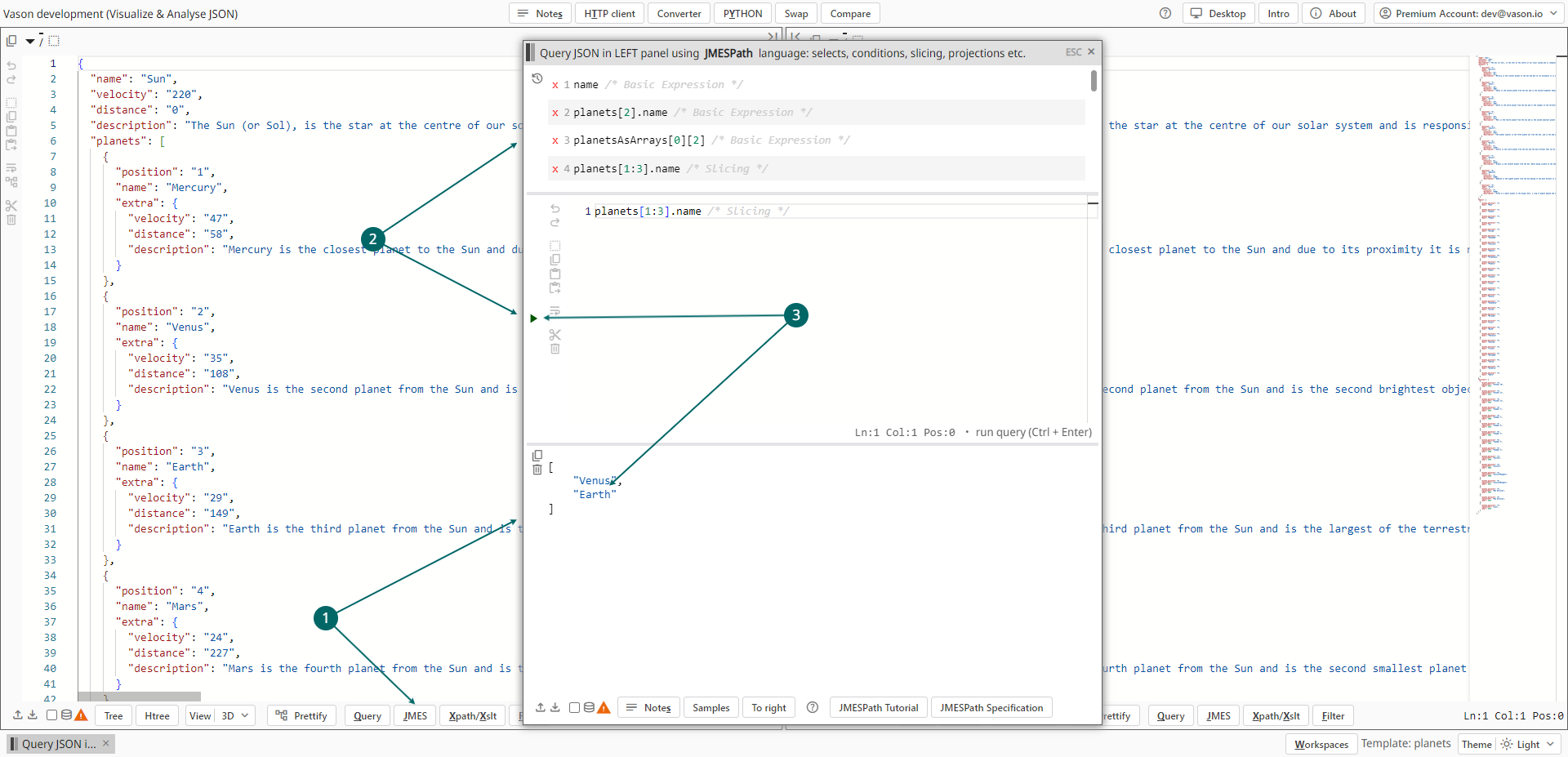
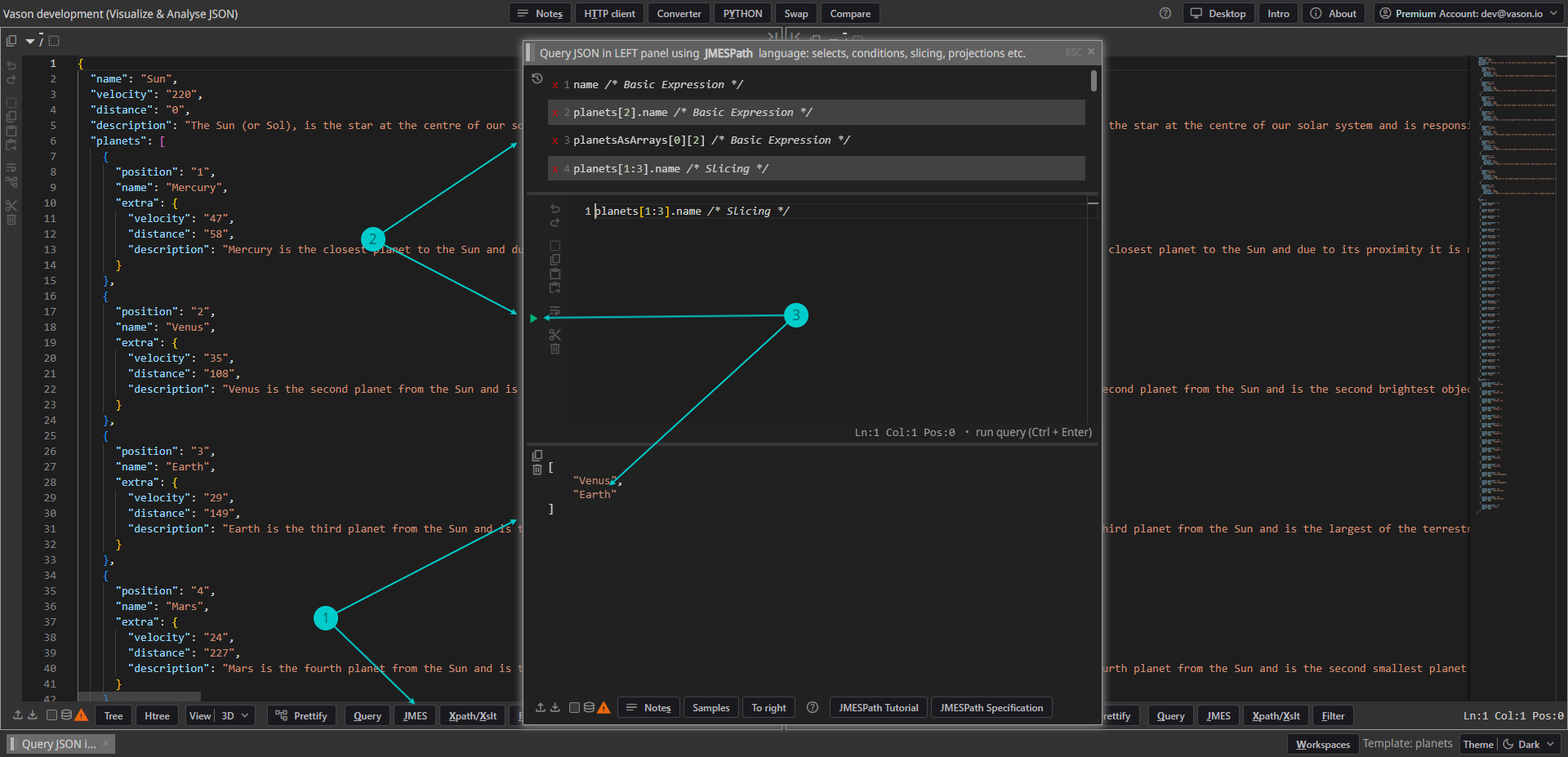
- To open the
JMESPathwindow and analyze JSON from the left panel, click the leftJMESPathbutton or typeAlt+J. - JMESPath queries:
- In the middle of the
JMESPathwindow, there is a text editor where you can write your own JMESPath queries. Click on the run button or typeCtrl+Enterto execute it. - To execute a recent query immediately, simply click on the corresponding item in the recent (history) list.
A list of recent queries can be found at the top of the
JMESPathwindow.
- In the middle of the
- See the query result below after executing.