XSLT transformations
Analyze JSON data using the XSLT language (https://json.vason.io/open-xslt)
The XSLT feature enables you to analyze JSON data using the XSLT language.
XSLT
The XSLT language is usually applied only to XML documents. However, Alljson allows using XSLT for transforming the structure of JSON.
Example XSLT transformations
<xsl:template>
    <xsl:text>[</xsl:text>
    <xsl:for-each select="//planets">
        <xsl:text>"</xsl:text>
        <xsl:value-of select="name"/>
        <xsl:text>"</xsl:text>
        <xsl:if test="position() != last()">,</xsl:if>
    </xsl:for-each>
    <xsl:text>]</xsl:text>
</xsl:template>
User interface xslt tab
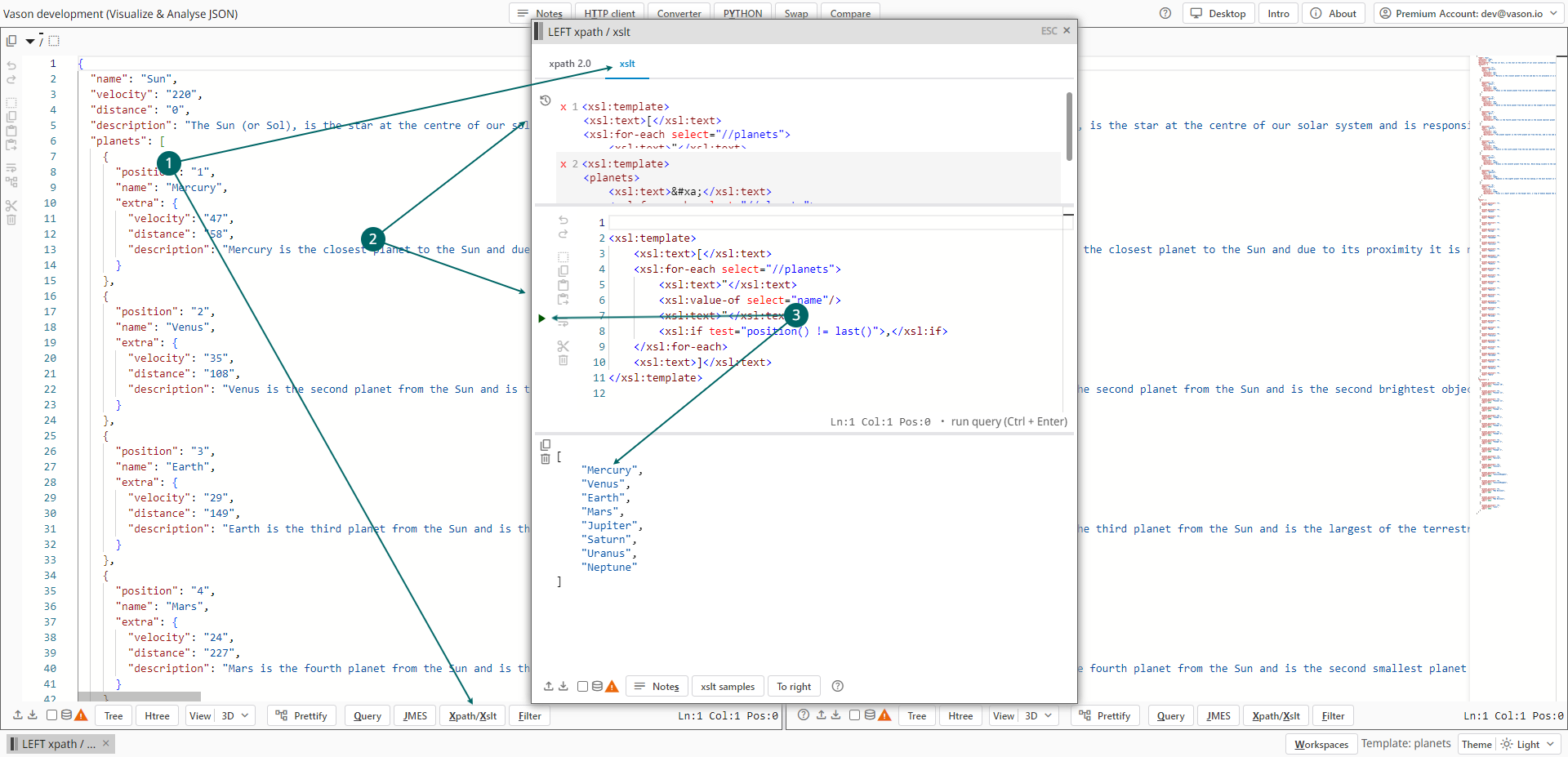
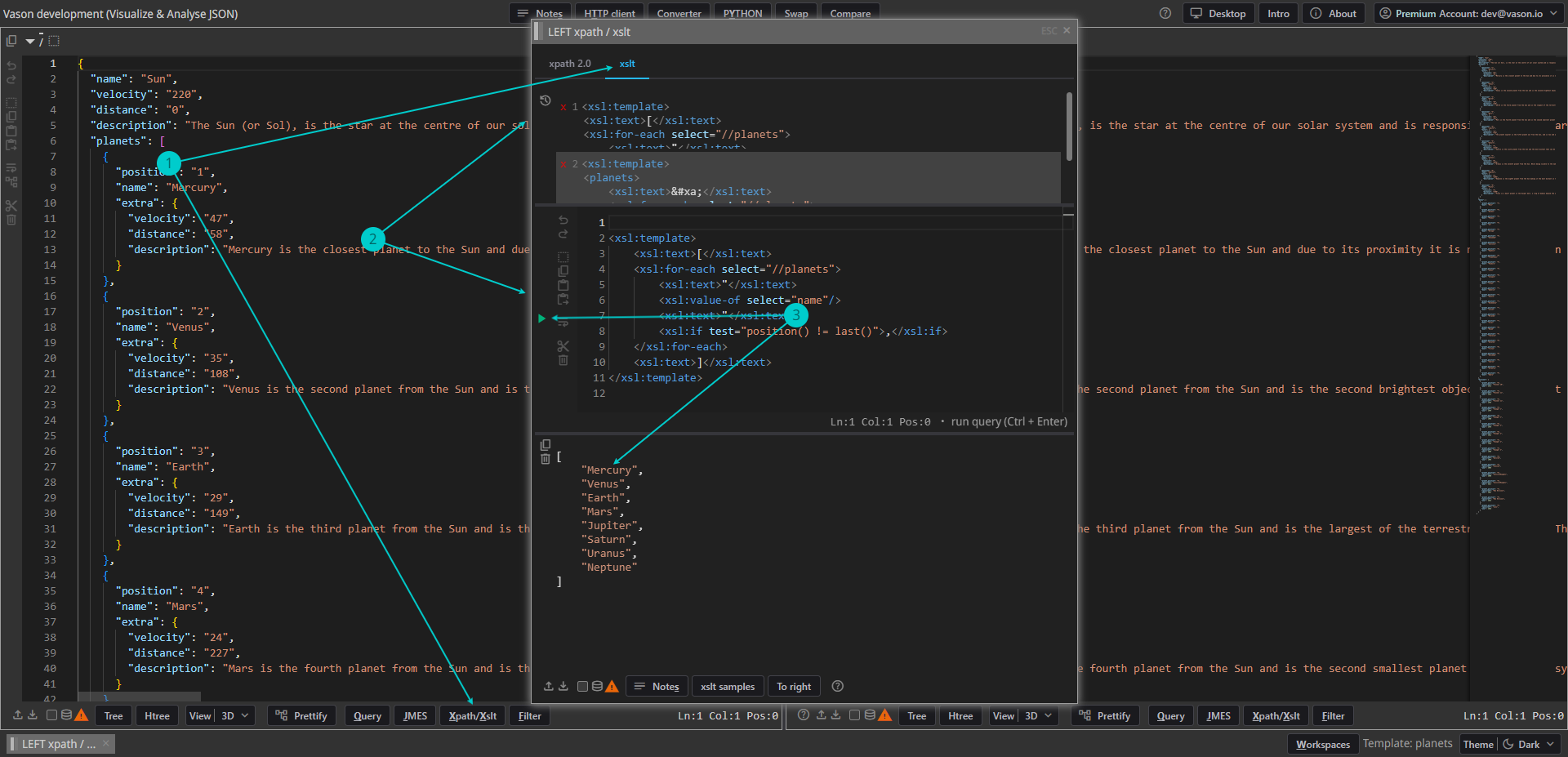
- To use the
XSLTfeature for analyze JSON from the left panel open thexpath/xsltwindow by clicking the leftXpath/Xsltbutton or typingAlt+Xand choosing thexslttab. - XSLT transformations:
- In the middle of the
xslttab, there is a text editor where you can write your own XSLT transformations. Click on the run button or typeCtrl+Enterto execute it. - To execute a recent XSLT transformation immediately, simply click on the corresponding item in the recent (history) list.
A list of recent queries can be found at the top of the
xslttab.
- In the middle of the
- See the XSLT transformation result below after executing.